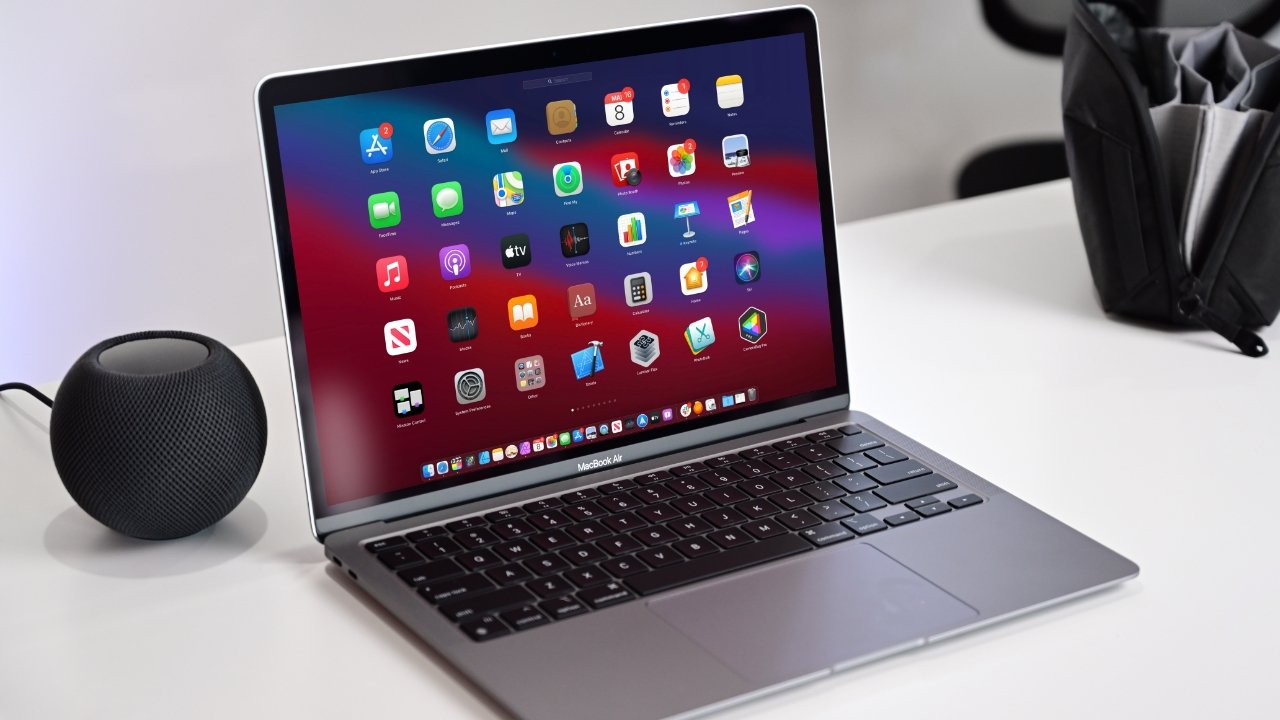
10 Tips for Creating a Distraction-Free Creative Space on Your Mac
Creating a distraction-free creative space on your Mac is essential for boosting productivity and unleashing your creativity. Start by decluttering your desktop; an organized workspace can significantly enhance your focus. Consider using folders to categorize your files and remove any icons that are not essential. Disable notifications from apps that are not crucial to your workflow. This will minimize interruptions and keep your mind solely on your creative tasks.
In addition to managing your desktop, another tip is to personalize your environment. Set up a dedicated workspace by using apps that promote focus, such as Pomodoro timers or distraction blockers. You can also customize your display with a minimal theme that resonates with your creative process. Lastly, establish a routine that signals your brain it's time to create—this can help in conditioning your mind to switch into creative mode.
How to Customize Your Mac for Maximum Creativity and Focus
When it comes to customizing your Mac for maximum creativity and focus, the first step is to optimize your workspace. You can do this by eliminating distractions and enhancing your environment. Start by organizing your desktop; remove unnecessary icons and only keep files you frequently access. Consider using virtual desktops to group your different projects or workflows, allowing you to switch contexts effortlessly. Utilize apps like Hocus Focus or Declutter to minimize distractions and maintain focus, creating a conducive creative environment that promotes productivity.
Another essential aspect of customizing your Mac is leveraging the right software to support your creative process. Incorporate tools like Alfred for enhanced productivity through keyboard shortcuts and quick access to applications. For those who often seek inspiration, using MindNode can help in visualizing ideas and brainstorming sessions. Additionally, configuring your Mac's settings, such as Do Not Disturb, allows for uninterrupted time blocks where you can immerse yourself in your creative tasks. By integrating these tools and settings, you can create an ecosystem that not only maximizes your creativity but also enhances your focus.
Is Your Mac the Ultimate Tool for Uninterrupted Creativity?
In the world of digital creativity, Macs have long been hailed as the ultimate tools for professionals and enthusiasts alike. With their sleek design and powerful performance, these devices are engineered to deliver an uninterrupted creative experience. The macOS environment is uniquely optimized for a wide array of creative software, from graphic design and video editing to music production and coding. This compatibility allows users to seamlessly switch between tasks, fostering a workflow that minimizes distractions and maximizes productivity.
Moreover, the hardware of a Mac is built to support intensive applications without hiccups. Features like Retina displays provide stunning visuals, while the advanced processing power ensures that even demanding software runs smoothly. Coupled with tools like Mission Control and Split View, which help in managing multiple applications effectively, your Mac truly becomes a powerhouse for anyone looking to unleash their creative potential without interruption. Whether you're an artist, musician, or filmmaker, the Mac stands ready to support your best work.